
Project context
Group work by audit, redesign, migration or review.
VISINVOKE utility. Website intelligence.
Organise website discovery, browser-rendered crawling and structured capture records across projects and websites. Set the scope, review the inventory and keep the work in context.

Website work with project context
Give every capture a purpose and a place to live.
Group work by audit, redesign, migration or review.
Organise the sites involved in the project.
Keep reusable scope and conduct settings.
Work from organised capture material.

Set the scope before the crawl
Choose the project and website that give the capture its purpose.
Use crawl depth, URL filters and exclusions to define the work, with internal or external link handling.
Keep robots.txt handling, website access profiles and device context alongside reusable discovery definitions.
From a website portfolio to a record
Keep scope and context together throughout the work.
Start with the purpose of the website work.
Group the relevant locations under that project.
Choose link rules, depth and a reusable definition.
Use website inventory and reporting in context.
Your website-intelligence workspace
Organise website work with browser capture, scope controls and structured records.
Keep website work attached to the project that gives it purpose.
Organise one website or a portfolio across your projects.
Read pages after JavaScript runs and discover their links.
Set depth, URL include and exclude rules, and internal or external link handling.
Keep robots.txt handling and website access profiles in the capture definition.
Review page inventory, extracted metadata and canonical information.
Repeat a capture definition and keep crawl history with the work.
Use organised capture material and reports for documentation and review.
Decide what a crawl should cover
Set the capture definition before the work runs.
Choose crawl depth and internal or external link handling.
Use URL filters, exclusions and query-string rules.
Set robots.txt handling and website access profiles.
Provide the website device set and navigation definitions.
Keep repeatable website work organised
Return to a website with a reusable capture definition.
Keep named discovery settings for repeated work.
Review runs under their project and website.
Keep the capture history with the website work.
Use consistent definitions when reviewing a site over time.

Turn capture material into a useful record
Review the page inventory, metadata and canonical information in the capture record.
Keep reporting and capture history under the website and project that commissioned the work.
Use structured material for documentation, migration planning and review without losing its context.
Choose the right context for website evidence
Structured material supports the work that commissioned the capture.
Review inventory and metadata in project context.
Understand the pages and links involved in a move.
Keep an organised record of website material.
Use structured capture information for further analysis.
Paid product access
Website Capture Suite is a paid VISINVOKE utility.
Website Capture Suite is separate from VISINVOKE Capture.
Use your VISINVOKE account for product access information.
Organise unlimited projects and websites.
Creating an account does not itself include paid product access.
VISINVOKE means value
Keep the purpose, scope and captured material connected.

Start with the job the capture serves.
Choose the website and capture rules.
Review organised website information.
Keep the record with the project.
Explore your VISINVOKE workspace
Each card opens its own product website. Review purpose and access separately; related products do not promise included access or automatic synchronisation.

Explore your VISINVOKE desktop workspace.
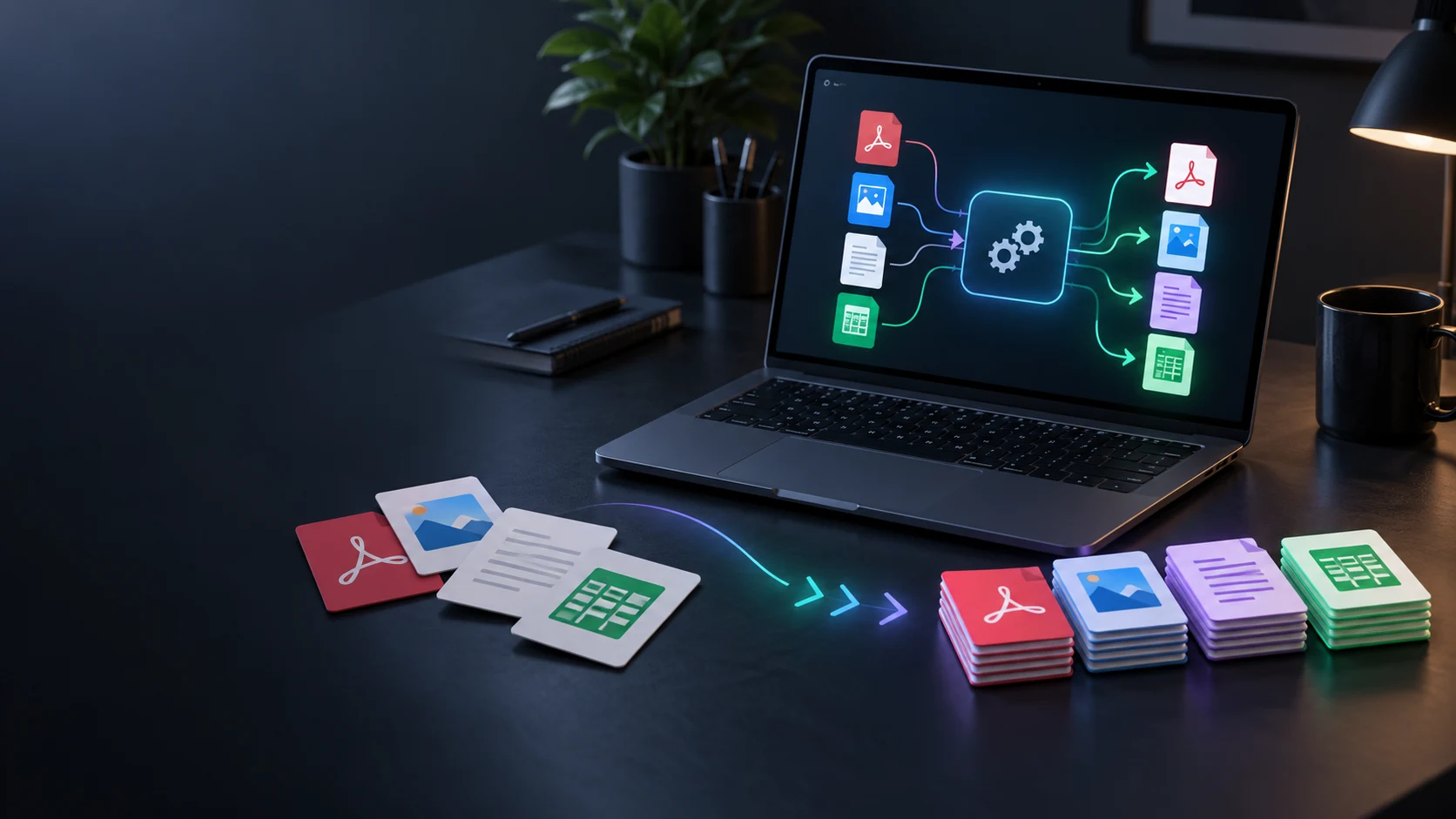
Convert supported files in a separate utility.
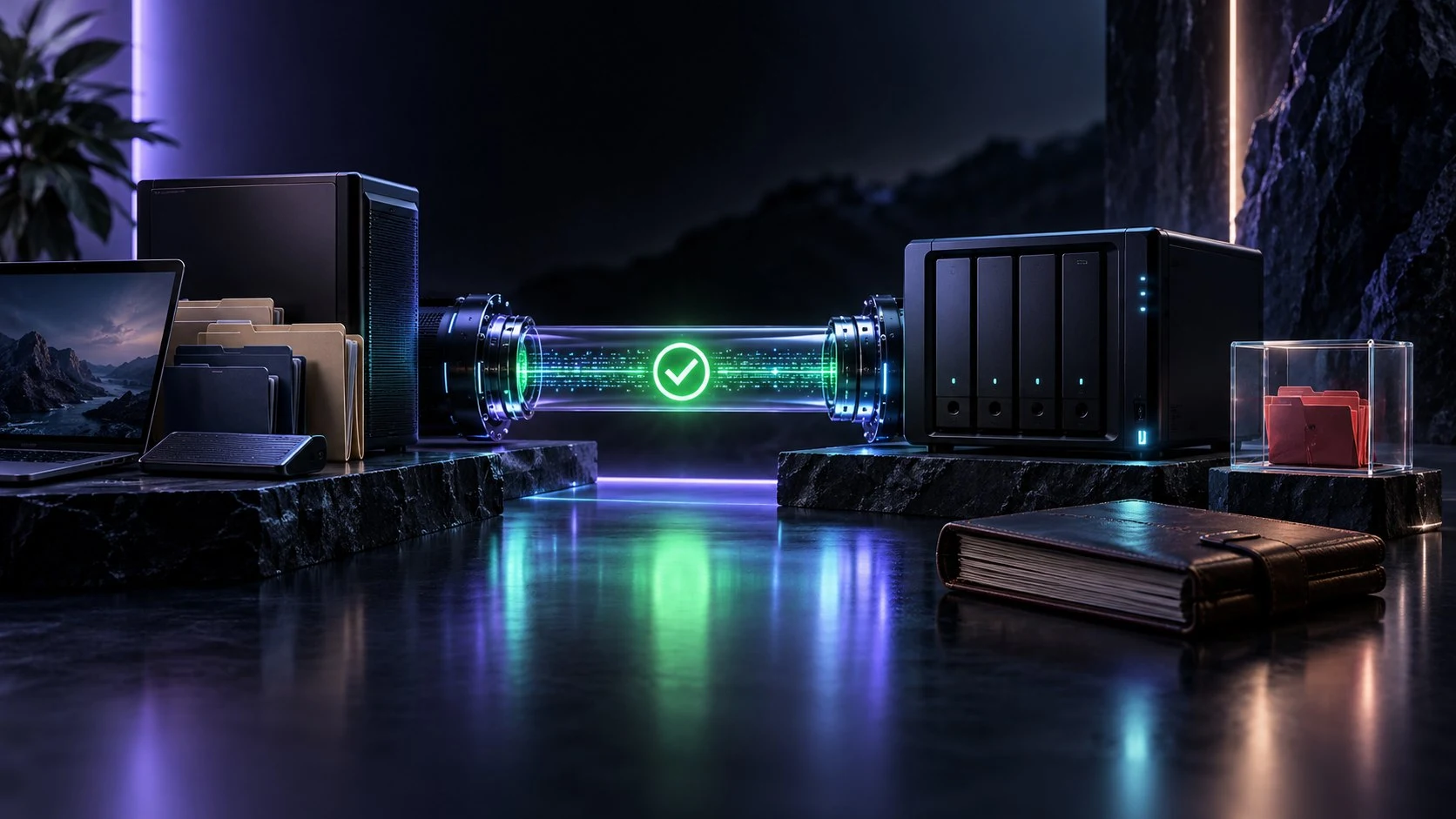
Manage separate backup work.

Work with PDF documents.

Work with image files.

Compose image layouts.
Product artwork is illustrative, not application screens or actual generated image output.
Quick answers
Understand projects, scope, records and the separate product identity.
VISINVOKE Website Capture Suite organises website discovery and capture around projects and websites. Browser rendering, configurable crawl scope, website inventory and structured capture records support audit, migration and documentation work.
A project represents the job, such as an audit, redesign or migration. Group website locations under that project and keep the capture material in its context. Website Capture Suite supports unlimited projects and websites.
Use named discovery definitions with crawl depth, URL include and exclude rules, query-string handling, internal or external links, and robots.txt handling. Website access profiles and device sets provide further capture context.
Review the website inventory, page metadata, canonical information and crawl reporting. Capture jobs and their records stay organised with the project and website that commissioned the work.
No. Website Capture Suite is a separate website-intelligence product organised around projects, websites and configurable crawling. VISINVOKE Capture is a distinct local capture utility; neither product inherits the other’s access or capabilities.
Website Capture Suite is a paid VISINVOKE utility. Use your VISINVOKE account for product access information and account management. Creating a free VISINVOKE account does not itself include paid product access.
Continue in VISINVOKE
Create a free VISINVOKE account for your VISINVOKE workspace.
Use your account for Website Capture Suite product access information.
Website Capture Suite is a paid product; account creation does not itself include paid access.